
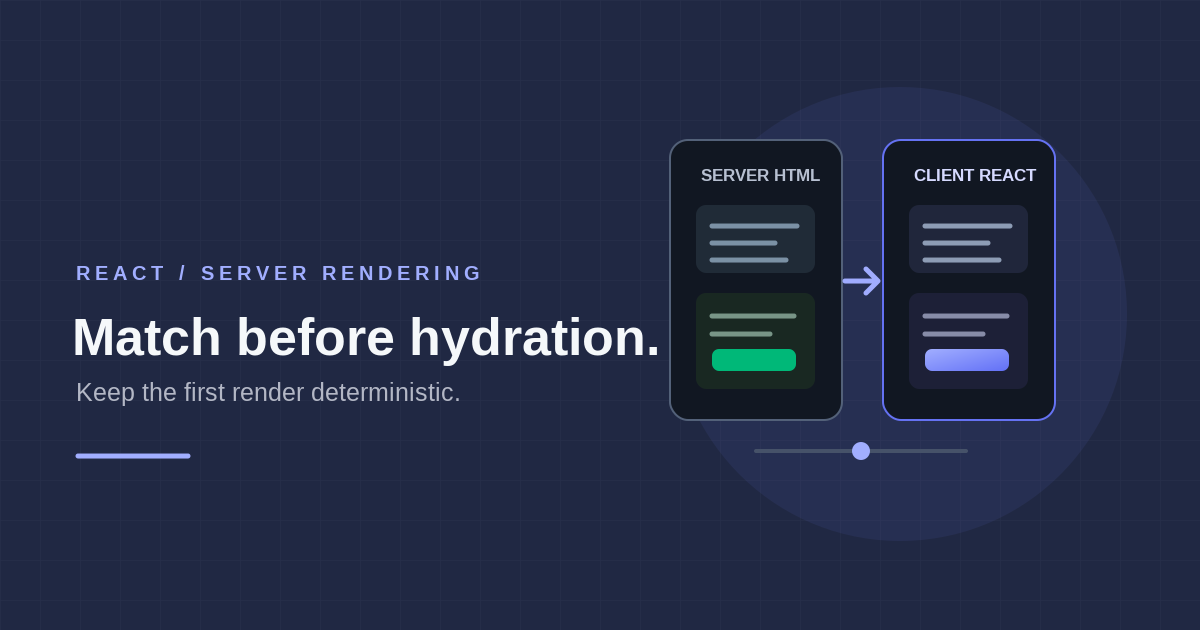
Server rendering can put useful HTML in the response before JavaScript starts. Hydration then attaches React behavior to that existing markup. For hydration to work reliably, the first client render must produce the same structure and content that the server rendered. If they differ, React can report a hydration mismatch and the page may behave unexpectedly.
Common sources of different output
- Reading
window,localStorage, or viewport size during render on the client only. - Rendering a time, random value, or locale-dependent string that differs between environments.
- Using server data that changes before the client’s first render.
- Invalid or differently nested HTML that the browser repairs before React sees it.
- Conditionally rendering different markup based on a client-only flag.
Find the earliest mismatch
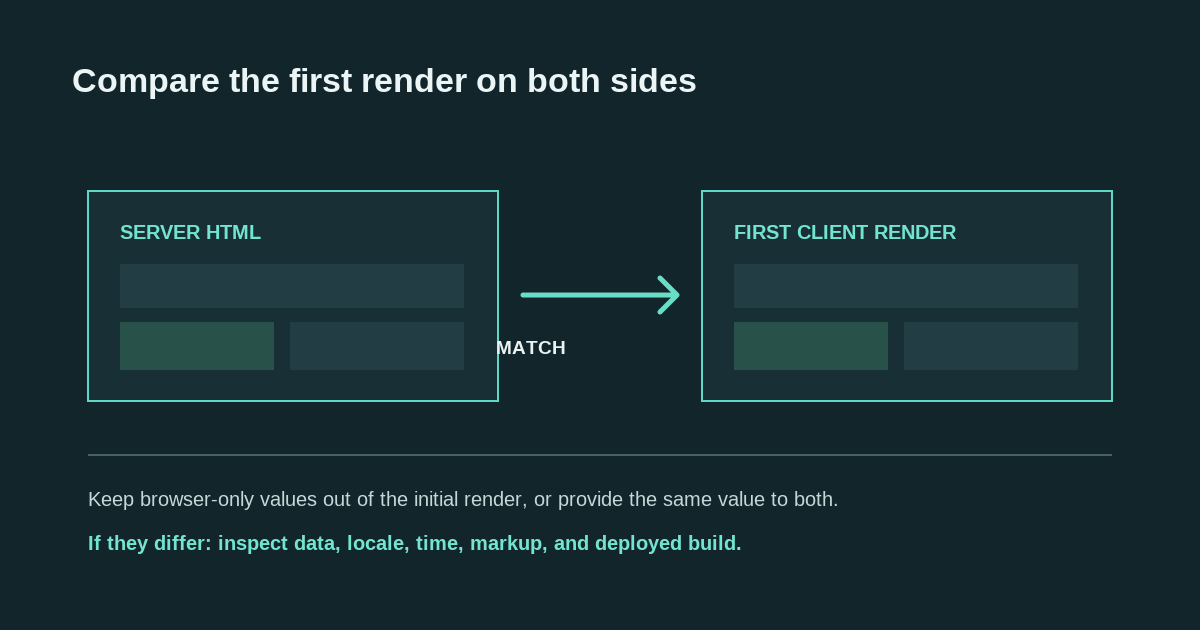
Start with the first hydration warning, not the last visible symptom. Compare the server HTML response with the first client-rendered tree around the reported component. Inspect route data, feature flags, locale, time zone, and any values used to choose markup. A difference near the top of the tree can cause many later nodes to appear mismatched.
Check the raw response and rendered DOM separately: the browser can normalize invalid HTML. Also confirm that the server and browser are loading the same build and that a cached HTML document is not paired with a newer JavaScript bundle.
Compare the values as well as the tags. The server may sort a list using one locale while the browser sorts it with another, or format a date in a different time zone. An item order or text difference is enough to make otherwise valid elements disagree. If assets are deployed independently, confirm that the HTML and JavaScript belong to the same release and that a CDN has not retained an older document.
Make rendering deterministic
Pass data needed for the initial view from the server so both renders use the same value. For browser-only state, render a stable initial state on both sides, then read the browser value in an Effect and update afterward if that is appropriate for the experience. If a component truly cannot be server-rendered, isolate that component rather than making the entire page client-only.
For dates, formatting must use a consistent locale and time zone, or the server can provide the formatted string. Avoid random IDs or values during render unless using the framework’s supported deterministic mechanism.
A common browser-only value is a saved preference in local storage. Render a stable default on both server and client, then read the preference after hydration if a brief update is acceptable. If the preference must affect the initial HTML, provide it to the server through a suitable request mechanism instead. The same principle applies to viewport-dependent layouts: avoid rendering fundamentally different markup based on a browser measurement that the server cannot know.
Pay attention to values that appear harmless but vary across environments. new Date() can cross a day boundary between server render and browser hydration, and locale formatting can choose different punctuation or ordering. Random IDs generated during render will also differ unless the framework provides a matching deterministic mechanism. For a date, either pass a server-formatted string to the client or use the same explicit locale and time zone on both sides. For an ID, use the framework's documented ID facility rather than generating a random value during rendering.
Data freshness is another common source. If the server renders product stock at one moment and the client independently fetches updated stock before its first render, the text can differ. Pass the server's initial data into the client render, then fetch updates after hydration. This preserves a matching starting tree while still allowing current data to load. If stale information would be unsafe, make the loading or unavailable state explicit instead of disguising an inconsistent result.
Test the actual production path
Test a clean navigation as well as a hard refresh. Client-side route transitions may succeed while a direct request to a nested route returns different data or a generic shell. Validate error and loading states too: the server may render one state while the client immediately chooses another. Keep the test focused on the first render, then confirm that interactions work after hydration attaches.
Run a production build and inspect the server HTML for the route. Load it with JavaScript enabled and disabled, check the console for hydration warnings, and test the first interactions. Repeat with a clean cache and representative locale, route data, and authentication states.
Suppressing a warning does not make mismatched markup safe. React notes that mismatches can affect performance and that it does not guarantee every attribute difference will be patched. The hydrateRoot reference documents the contract and supported options. Fix the rendering difference at its source, then verify both the response HTML and interactive client behavior.
Test direct navigation and refresh for nested routes, not just transitions from the home page. Check the raw response for useful route-specific content and metadata, then load the same route with JavaScript enabled and inspect the console. Also test the first click, form submission, or menu interaction to confirm that hydration attached behavior to the server markup. A visually correct screenshot alone cannot prove the page hydrated without mismatch.
Use a small comparison checklist while reproducing the warning:
- Open the exact URL in a clean browser session and capture the first hydration warning.
- Compare the raw response with the first client render around the reported component.
- Check for browser-only reads, changing data, locale or time-zone differences, invalid nesting, and HTML/JavaScript from different releases.
- Make the initial output deterministic, then repeat the clean navigation and hard refresh.
- Confirm both the console and the interaction still work after hydration.
If the mismatch comes from a value that exists only in the browser, render the same stable initial state on server and client, then update after hydration when that is acceptable. If the initial value must affect server output, pass it through a server-readable source rather than guessing it in the browser. Do not suppress the warning unless the difference is intentional, understood, and isolated.
The React hydrateRoot reference says the rendered content is expected to match and recommends treating mismatches as bugs. If an Effect is changing markup immediately after the first render, review the Effect lifecycle guide; if the issue is about whether crawlers see JavaScript-generated content at all, see JavaScript rendering and SEO.
Avoid using a broad “render this whole page only in the browser” workaround when one small widget is the source. Doing so may remove useful response HTML, delay visible content, and hide the underlying mismatch. Isolate only the component whose output genuinely depends on a browser API, and keep the main content deterministic wherever possible.
Also check deployment consistency when a warning appears only after a release. A cached HTML response can reference an older or newer JavaScript asset than the one currently deployed. Compare the HTML asset references, bundle version, and CDN cache behavior; purge only the relevant stale assets according to the deployment setup. A local development build may not reproduce the same caching path as production, so test a production-like response when the problem occurs there.
Treat any suppression mechanism as a narrow exception, not a general repair. If a single timestamp or locale string is intentionally different, document why the difference is safe and isolate it to that element using the framework's supported option. Do not suppress an entire subtree or ignore the warning before confirming whether the mismatched content contains links, prices, availability, or other information users rely on.
For search-facing pages, verify that the first response includes the same core heading, explanatory text, and navigation links that the hydrated page presents. This is separate from the hydration warning itself, but it confirms that the server output remains useful while JavaScript loads. The rendering and SEO guide covers response HTML, client rendering, and what to inspect in a production route.
Hydration questions
Does a hydration warning always mean the page is unusable?
Not necessarily, but it signals that the server and initial client output differed. React does not guarantee every difference will be patched, so identify and fix the source rather than judging only by the final screenshot.
Can I read local storage during the first render?
Not when the server cannot read the same value and the result changes the initial markup. Render a deterministic initial state, then read the preference after hydration, or provide the value to the server through an appropriate request mechanism.
Why does the warning disappear after a refresh?
The first request may use different data, locale, cache, or deployed assets than a later request. Compare the exact response and client bundle for each run instead of treating disappearance as proof that the cause is fixed.
Does server rendering make a page interactive?
It can send useful HTML before JavaScript loads, but hydration attaches client behavior. Test both the initial response and the first interactions.